Home Blog Page 136

How to add the new link sticker on Instagram Stories

Reading Time: 3 minutes read

How many of you are excited to use the Instagram Stories “swipe up” feature? Well, I am one of them too. Since Facebook acquired Instagram, the “swipe up” feature is only available to Business account users who have more than 10,000 followers only. Sadly since we are not one of them, it is a bit difficult to get the “swipe up” feature.

Recently, Instagram announces that by end of August 2021, they will be killing off the “swipe up” feature. Instead of it, they are coming with the new link stickers. And the best part which surely all of you will be excited about is, this link sticker feature might be available to everyone in the future. But for now, Instagram is doing a small test on limited users.

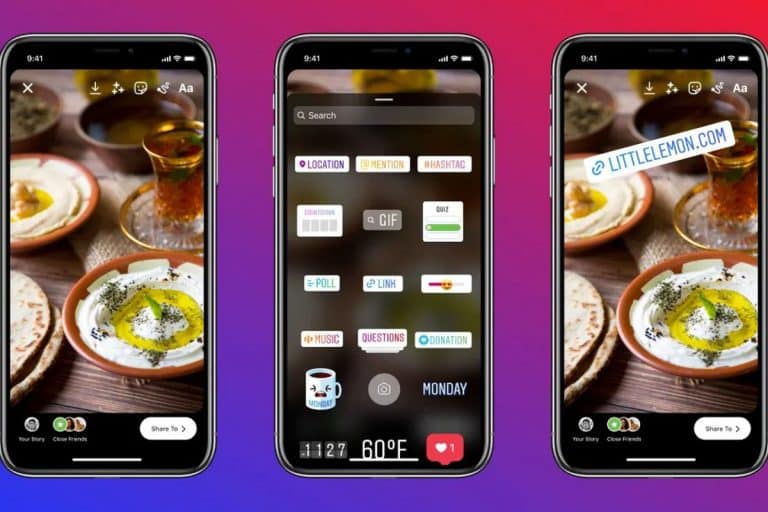
Image from the Instagram account – growwithvix

Well, head over to your Instagram page and check your stickers whether you can view the link stickers or not. In this post, I will share with you the steps to add your website links to the Instagram link stickers. It is quite simple to do it. All you need to do is:

  1. Open your Instagram app. Makesure you are using your Business account.
  2. And then as usual, you can either swipe left to create a story or press on the + button to create a new Instagram Story.
  3. Next, search link in your Instagram Stories stickers. If you don’t have it then you have to wait for the feature. Unless you are already having 10,000 followers, then you surely will have the all-new link stickers.
  4. Finally, you need to add the desired URL and tap on Done. 
  5. Next, share your story to the world.

With these simple steps, you should be able to add link stickers to your Instagram Stories. But, what if you don’t have 10,000 followers? Is there a way to share your link on your stories as well? According to TheVerge, the Instagram VP of Product, Vishal Shah, confirms that they are planning to bring in the link stickers to everyone. Yet, I have learned a trick to add links to your Instagram Stories even without 10,000 followers.

How to still add link to Instagram Stories without 10,000 followers?

First of all, you need to install the Instagram IGTV app on your smartphone. Once it’s done, you need to log in to your Instagram account on the IGTV app. Well, here’s the tricky part. You need to create an IGTV video for at least 60 seconds. In the video, make sure to have a call to action to ask your followers to click on the title link. Here’s a sample that I created previously for my account.
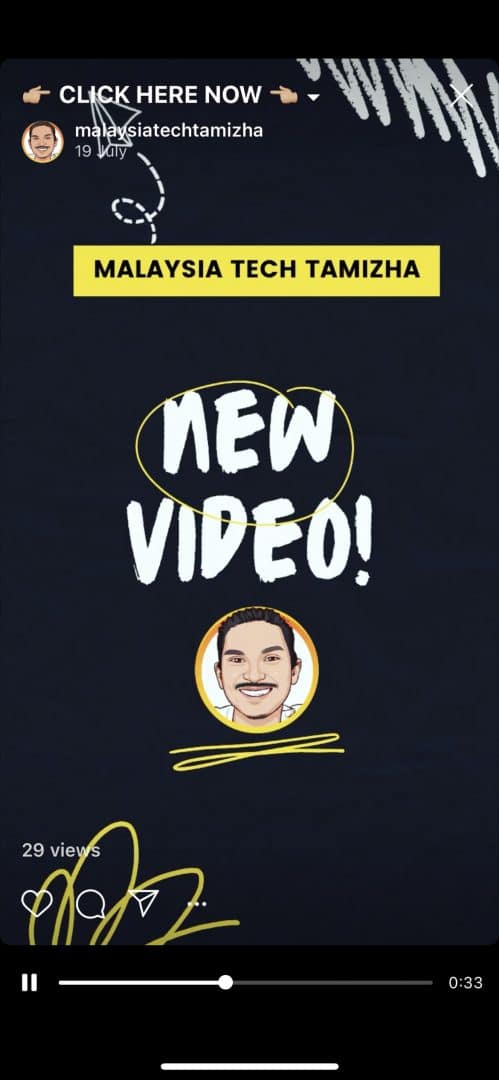
If you notice on the title of my 60 seconds video, I have added a call-to-action “Click here now”. Once the user clicks on it, they should be able to view the link to my website. Before you upload the video, you should add the website link in the Description field.

Then head over to your Instagram app and create a story. Now, you should be able to view the link icon. Tap on it and you can add your IGTV videos to your story. Well, now all you need to do is add the call-to-action on your Instagram Story such as “swipe up”. And finally, share your story.

Now, whenever, your follower swipe up on your Instagram Story, they should be able to view the IGTV video. Once they clicked on the “Click here now” title, then they can click on the website link easily.

Since this is just a trick, it could be difficult on your first try. But eventually, it is quite simple to add links to your Instagram Stories without having 10,000 followers. If you find this tutorial interesting share it with your friends too.
Samsung unveils the world’s first 200MP image sensor

Reading Time: 2 minutes read

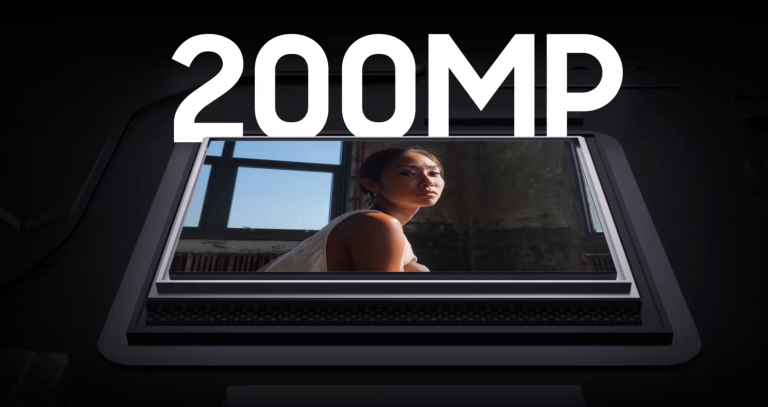
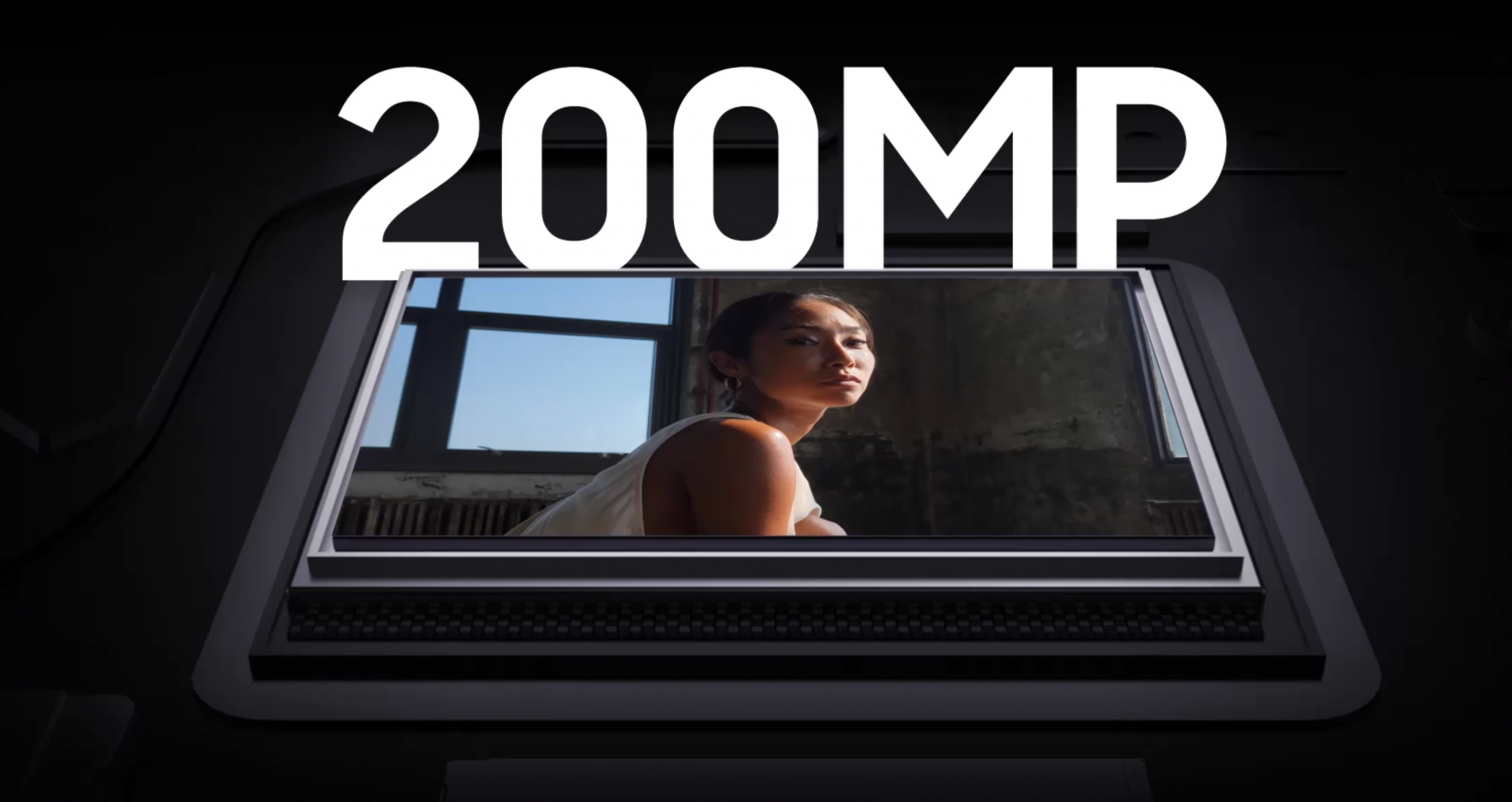
Once again, Samsung is leading the image sensor technology for smartphones. Back in 2019, Samsung announces the world’s first 108MP image sensor. This year, Samsung is taking another huge leap by announcing the ISOCELL HP1. It is the world’s first 200MP image sensor.

With the use of Samsung ISOCELL HP1 image sensor, photos taken in a smartphone will be super sharp. It packs with a ultra high resolution of 16,384 x 12,288 pixels. Imagine having such a huge sensor on your smartphone, you can view the in detail of the fur of your puppy. The image sharpness is not affected even though the image is cropped due to its ultra high resolution.

Besides that, the image sensor also supports both low-light photography and 8K video recording. With the usage of this sensor, your smartphone should be able to shoot 8K video at 30fps. By using the all-new ChameleonCell technology, the image sensor transforms into a 12.5MP image sensor. This allows more light to be captured and produces a brighter and sharp photos even in low-light situation. On the contrary, the HP1 image sensor allows you to capture UHD photography in bright outdoor environments as well.

Similar to the 2019, it is rumoured that Xiaomi will be the first smartphone maker to make use of the Samsung’s world’s first 200MP image sensor. According to a leakster, Xiaomi is prepping itself to get hands on the HP1 image sensor. As for now, it is still unsure on which Xiaomi model smartphone to have the 200MP camera yet. But, we are looking forward to know once there is an official announcement from Xiaomi itself.

In conclusion, with the latest HP1 image sensor, photos taken on a smartphone is surely to come alive due to its sharpness. For more information regarding the HP1 image sensor, check out the announcement blog from Samsung.

Get Realme GT Master Edition exclusively on Lazada 9.9

0
Reading Time: 4 minutes read

Have you ever thought of owning a special edition phone from Realme? After announcing the realme GT Master Edition phone during the realme Fan Festival 2021, finally, Realme Malaysia has also launched the realme GT Master Edition in Malaysia as well. If you want to purchase the realme GT Master Edition, you can get it exclusively from Lazada during the 9.9 sale.

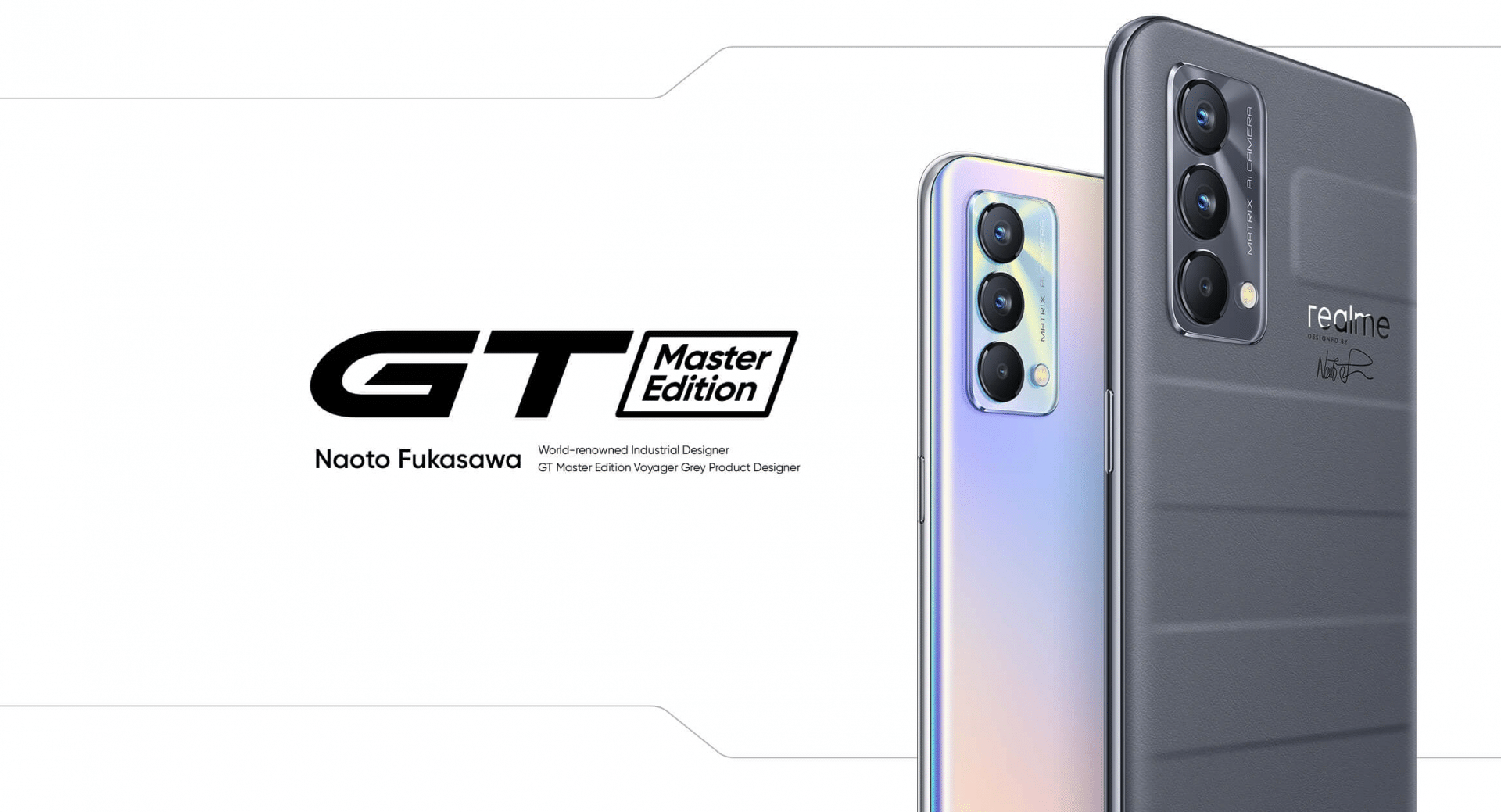
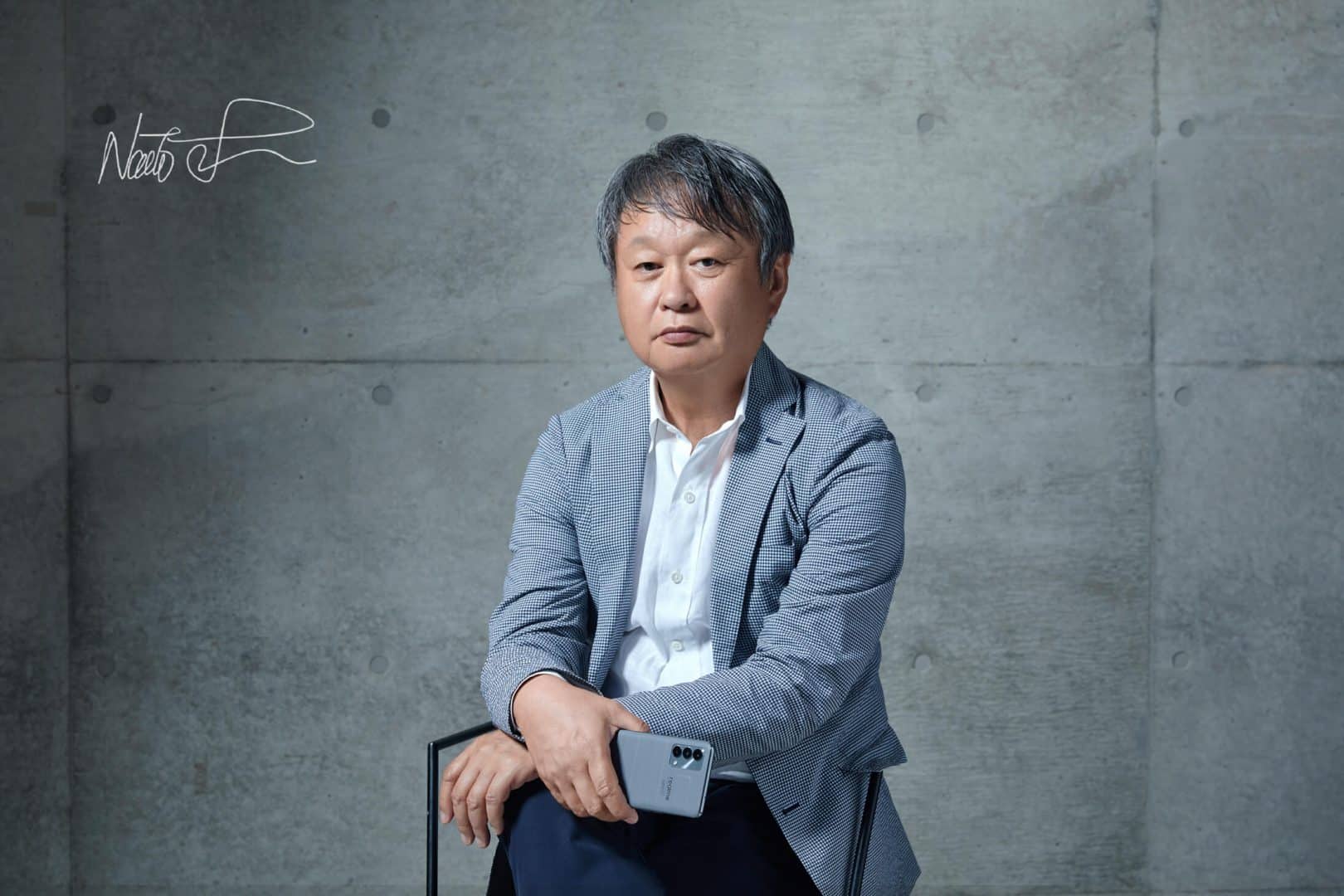
Before we deep dive into the technical specs, let me share with you why this is indeed a special phone. First of all, this masterpiece phone was designed by Mr Naoto Fukasawa who is a well known Japanese designer. Realme have collaborated with him for the second time in designing a master edition smartphone. This Master Edition of realme flagship smartphones is the first brand to introduce 3D vegan leather technology in the smartphone industry.

To be honest, the first glance it looks like a travelling suitcase. Well, that’s right, the realme GT Master Edition is inspired by the travel suitcase. Take a look at it below.

realme GT Master Edition Technical Specifications

Upfront the realme GT Master Edition features a 6.43″ Samsung AMOLED Fullscreen display which supports a 120Hz screen refresh rate. It even has a 360Hz touch sampling rate. This means you can play high-performance games such as Call of Duty Mobile on the realme GT Master Edition. Security-wise, it even has an in-display fingerprint scanner to unlock the phone.

Over at the camera department, the realme GT Master Edition houses a rear triple camera setup. It has a 64MP primary camera, an 8MP ultra-wide-angle camera and a 2MP macro camera. To be honest, these days, I don’t really see people are making use of the 2MP macro camera. Probably, Realme should consider replacing the 2MP macro camera with something else. On the front, the device features a 32MP selfie camera with a Sony IMX615 sensor.

On top of that, the realme GT Master Edition also comes with a new mode inside the camera. It is called the Street Photography mode. Using this mode, you can capture some of the great street photographs. Take a look at some of the sample photos taken using the realme GT Master Edition smartphone.

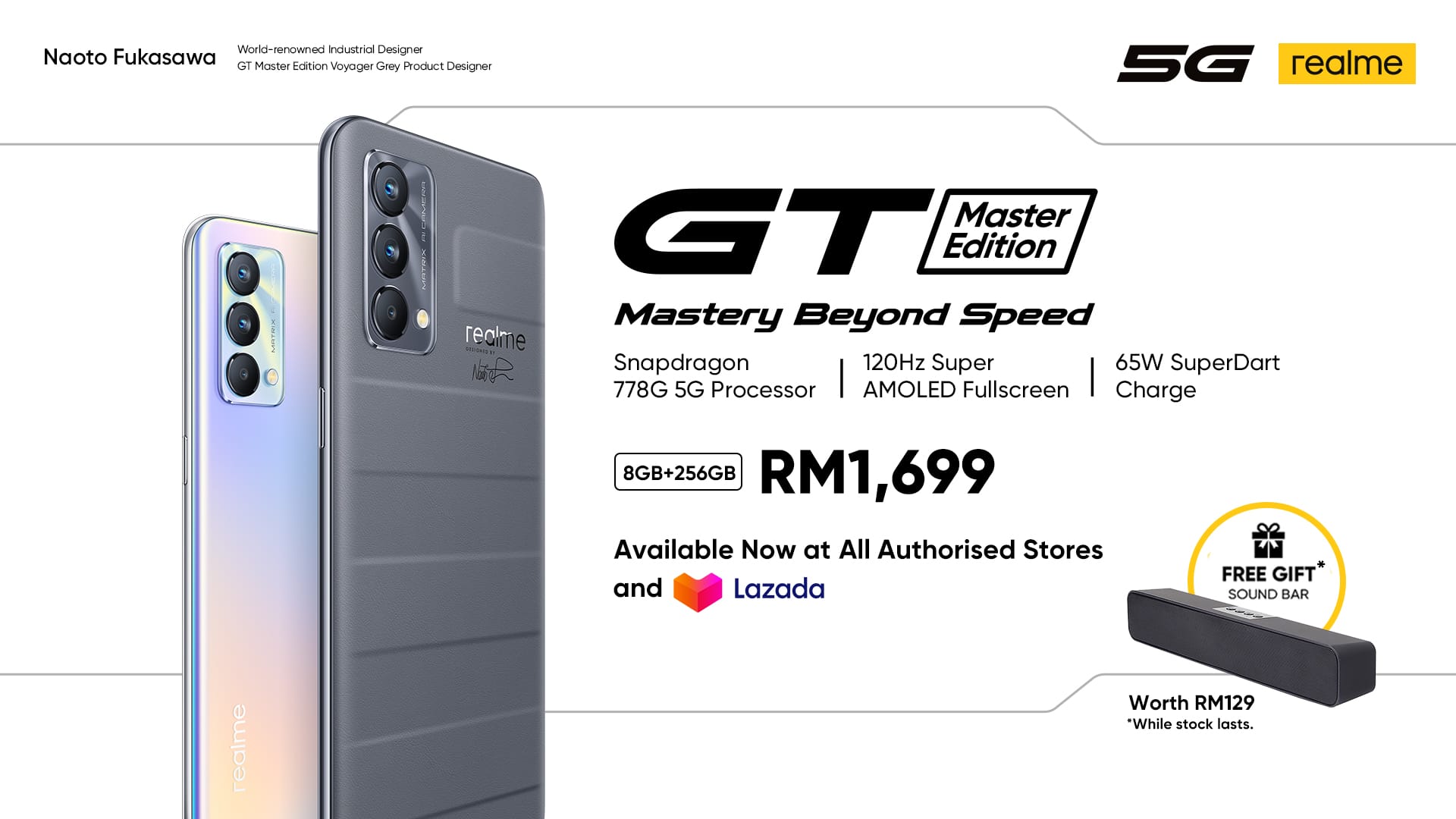
Under the hood, the realme GT Master Edition is powered by the Qualcomm Snapdragon 778 5G flagship processor. This phone also supports a 5G connection. However, in most of the countries, 5G is not quite realistic for now. But, yeah you can still get a 5G phone and be prepared before the country rolls out a 5G network. Keeping the device on all day is the 4,300mAh battery which comes with the realme 65W SuperDart Charge support. Using the latest charging technology, you can charge your phone from 0% to 100% within 30 minutes.

For storage wise, the realme GT Master Edition comes with two storage options which are 128GB and 256GB. However, RAM wise it only comes with an 8GB option only. But, the good news is, realme has integrated the Advanced Dynamic RAM Expansion Technology (DRE). With this technology Realme allows you to expand your RAM size virtually up to 5GB. With the huge RAM size, users will not have to worry about lagging issues and assured super smooth daily use performance.

Price and Availability

Well, with all these flagship features how much does the realme GT Master Edition cost? You will be surprised knowing the price. The realme GT Master Edition price starts from RM1,499 only. And the highest storage option will still cost you less than RM2000 which is around RM1,699 only. But, due to the Lazada 9.9 sale, you can purchase the phone starting from RM1,399 in realme Malaysia’s Lazada Flagship Store. Do not this is a promotion price only which available only during the 9.9 sales.

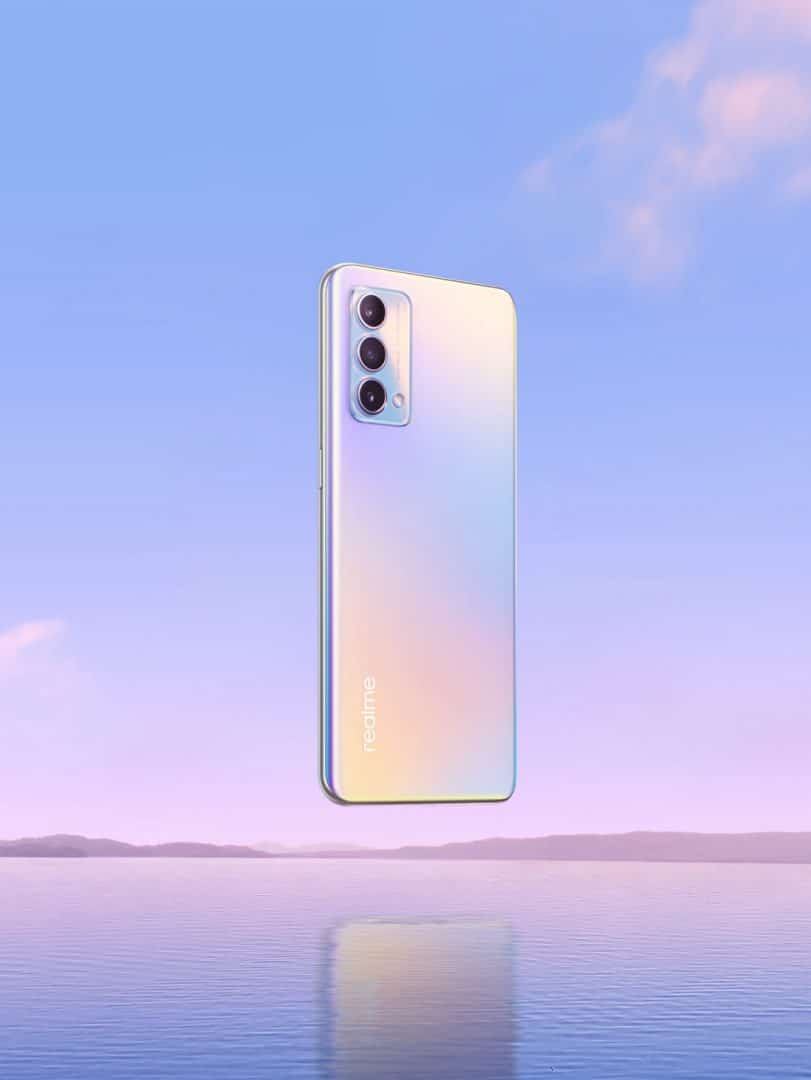
Well, the realme GT Master Edition comes in two colour options which are Voyager Grey and Daybreak Blue. According to the designer itself, the use of low saturation and high tolerance grey colour makes people feel comfortable and tranquil at a glance. Realme used the most direct method – a 6-step ink printing process to achieve a delicate colour effect. The colour of daybreak used Japan’s patented PICSUS®️ technology – nano-laminate coating to give the phone a metallic shiny feel and enable it to refract holographic colours at different angles.

In conclusion, to know more about Realme events and promotion, do visit their official Facebook page and Instagram page.

Windows 11 will be available for free on 5th October

0
Reading Time: 4 minutes read

Back in June 2021, Microsoft announces their most advanced Windows operating system, Windows 11. The moment, it was announced, Windows 11 design has been the talk of the town. Many people were impressed with the design, even though it looks similar to Apple’s macOS. Today, Microsoft has officially announced the date of the Windows 11 launch.

According to a blog by Microsoft, it confirms that Windows 11 will be available as a free update to eligible Windows users starting 5th October onwards. Besides that, people who are looking into purchasing a Windows 11 based PC’s can start to purchase on 5th October 2021 as well.

In a similar blog, Microsoft has also shared the 11 key features you can expect in the upcoming Windows 11. Below are the main key features on Windows 11:

  • The new design and sounds are modern, fresh, clean and beautiful, bringing you a sense of calm and ease.
  • With Start, we’ve put you and your content at the center. Start utilizes the power of the cloud and Microsoft 365 to show you your recent files no matter what device you were viewing them on.
  • Snap Layouts, Snap Groups and Desktops provide an even more powerful way to multitask and optimize your screen real estate.
  • Chat from Microsoft Teams integrated into the taskbar provides a faster way to connect to the people you care about.
  • Widgets, a new personalized feed powered by AI, provides a faster way to access the information you care about, and with Microsoft Edge’s world class performance, speed and productivity features you can get more done on the web.
  • Windows 11 delivers the best Windows ever for gaming and unlocks the full potential of your system’s hardware with technology like DirectX12 Ultimate, DirectStorage and Auto HDR. With Xbox Game Pass for PC or Ultimate you get access to over 100 high-quality PC games to play on Windows 11 for one low monthly price. (Xbox Game Pass sold separately.)
  • Windows 11 comes with a new Microsoft Store rebuilt with an all-new design making it easier to search and discover your favorite apps, games, shows, and movies in one trusted location. We look forward to continuing our journey to bring Android apps to Windows 11 and the Microsoft Store through our collaboration with Amazon and Intel; this will start with a preview for Windows Insiders over the coming months.
  • Windows 11 is the most inclusively designed version of Windows with new accessibility improvements that were built for and by people with disabilities.
  • Windows 11 unlocks new opportunities for developers and creators. We are opening the Store to allow more developers and independent software vendors (ISVs) to bring their apps to the Store, improving native and web app development with new developer tools, and making it easier for you to refresh the look and feel across all our app designs and experiences.
  • Windows 11 is optimized for speed, efficiency and improved experiences with touch, digital pen and voice input.
  • Windows 11 is the operating system for hybrid work, delivering new experiences that work how you work, are secure by design, and easy and familiar for IT to deploy and manage. Businesses can also test Windows 11 in preview today in Azure Virtual Desktop, or at general availability by experiencing Windows 11 in the new Windows 365.

During the Windows 11 announcement in June, Microsoft says that it will bring Android apps to the Windows platform. This is a collaboration between Microsoft, Amazon and Intel. However, it seems, Microsoft is delaying this feature for now. But, according to Microsoft, this feature will be rolled out in the coming months after the official Windows 11 rollout on October. But, Microsoft will roll out to the Windows Insider Community first before pushing it to the public. As for now, Microsoft is encouraging more app developers to continue to bring their apps to the Windows platform.

How to upgrade to Windows 11 from Windows 10?

Even though you have a Windows 10 PC, still there are a few requirements that you need to meet before installing Windows 11. One of the most important requirements is the TPM version. You will need TPM version 2.0 in order to be eligible to install Windows 11.


Once you have met all the requirements, then you need to wait until October 5th and then check your Windows update by going to Settings > Windows Update and select Check for updates. At this moment, Microsoft will be rolling out the Windows 11 update gradually to all eligible Windows users. Microsoft expects all eligible devices will receive Windows 11 software updates by mid of next year, 2022.

After removing the PC Health Check tool back in June, Microsoft says that it will relaunch this app soon. This means you can even use this tool to check whether your PC supports Windows 11.

In conclusion, Windows 11 will be available for free to upgrade starting October 5th onwards. If your PC does not support Windows 11, then please do not upgrade to Windows 11. This could make your PC malfunction. Instead, you can check out the list here for all the new upcoming PCs with Windows 11 pre-installed. For more information, check out Microsoft Windows 11 announcement blog.

Apple rolls out Spatial Audio to Android devices too

Reading Time: 2 minutes read

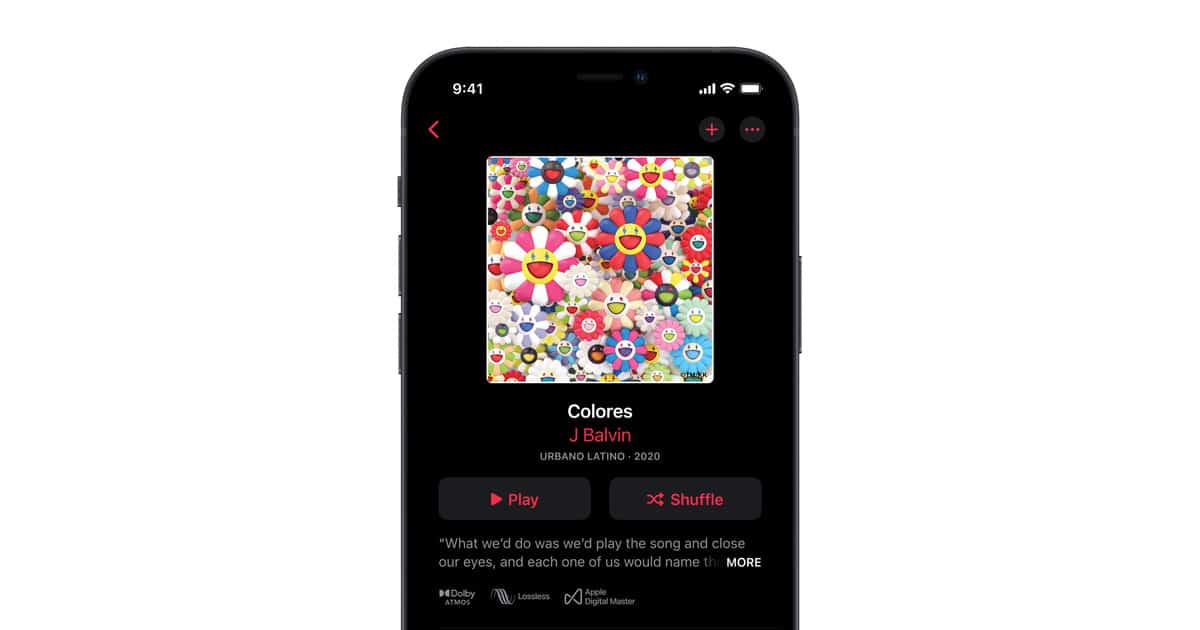
It has been just one month since Apple rolls out Dolby Atmos spatial audio to its iOS users worldwide. And now, Apple has decided to share its super cool feature with Android users as well. This week Apple has rolled out the spatial audio and the lossless quality streaming to all Android devices.

Similar to iOS, Apple suggests that in order to enable the lossless streaming feature, users should use a Digital Audio Signal. Without this external hardware, you won’t be able to listen to the lossless audio. Whereas for the spatial audio feature, Apple says that the Android smartphone needs to support Dolby Atmos. This means, without the Dolby Atmos option in the Apple Music settings page, then you won’t be able to try the spatial audio feature.

What is spatial audio?

To those of you who haven’t heard of Apple’s spatial audio, spatial audio is part of the Dolby Atmos feature. By enabling the spatial audio feature, you will be able to hear sounds out of the world. For example, we have tried the spatial audio feature for Apple Music recently. To be honest, we can hear all the instrument sounds clear as if, the musicians are playing the instruments right beside us themselves.

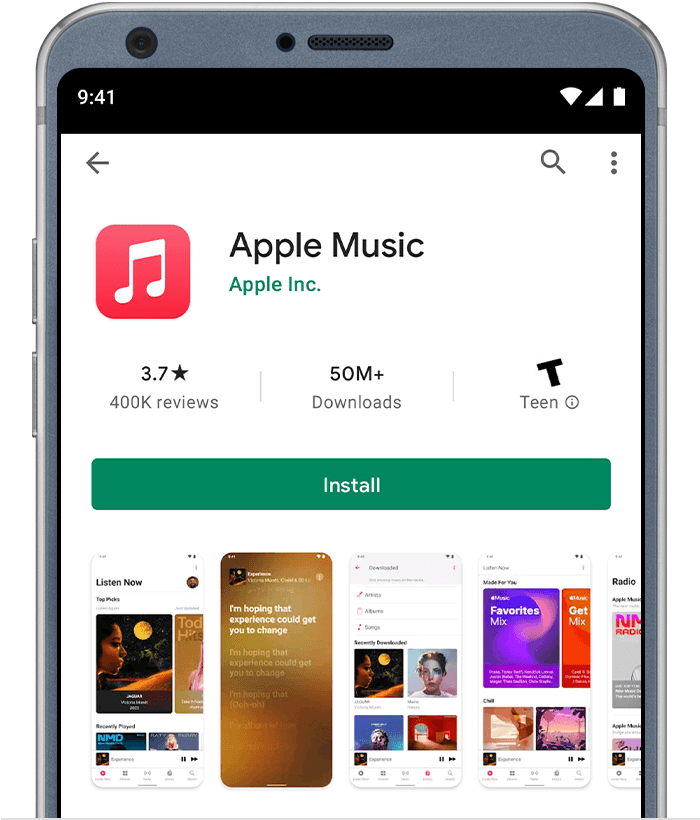
In conclusion, if you are an Android user and using a smartphone that supports Dolby Atmos, then don’t miss the chance to try Apple’s spatial audio feature in the Apple Music library. Download the Apple Music from Google Play Store now.

Astro launches Ultra Plug & Play Box

0
Reading Time: 2 minutes read

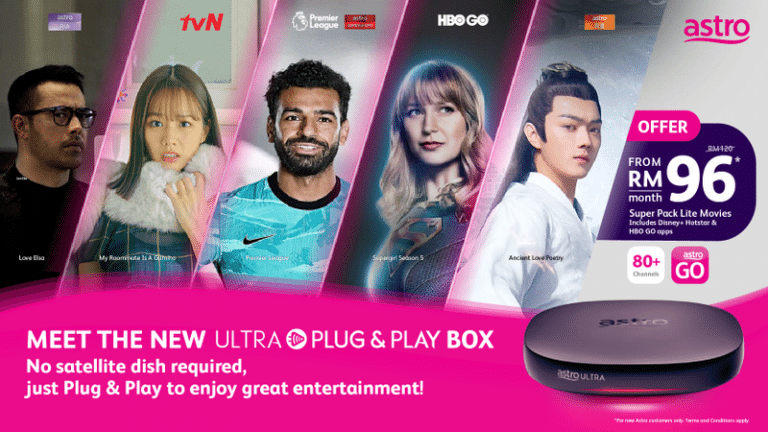
At this moment of the pandemic, most of us are staying at home and watching movies and tv shows on Astro. The worst thing is when we are watching some good movies, that’s when Astro gets service interruption due to the bad weather. Finally, today Astro has officially solved this major problem by introducing the Astro Ultra Plug & Play Box.

With this box, you don’t need to install the big satellite dish on top of your house. Instead, you can simply plug and play the Astro Ultra Box. All you need to get the Ultra Plug & Play Box to work is a stable internet connection. According to Astro, the required internet connection you should use is at least 30Mbps. However, the most recommended internet connection is 100Mbps and above. If your internet connection is lesser than the required speed, then you might experience some buffering or lower video quality while watching your favourite tv shows or movies.

How to get the Astro Ultra Plug & Play Box?

Getting this small box is super simple. All you need to do is, either contact the Astro retailer or subscribe directly from the Astro website. From there you can login to manage your account and subscribe to your preferred Astro package. Then under the installation method, you need to select Plug & Play option.

Do note that nothing comes for free, even if you are an existing Astro customer. If you are an existing Astro customer, then you just need to pay the activation fee. That depends on your current monthly Astro subscription price. Astro charges you RM49 if your current Astro subscription package is lesser than RM100. Unless you are having the expensive Astro package then you will be eligible to get the Astro Ultra Plug & Play Box for free.

At the same time, the charges are higher if you are a new customer to Astro. In that case, you need to pay RM59 for the activation fee. Moreover, Astro is also giving you the option to let the installer come to your house to install it for you. If you are willing to pay more, then you may proceed with that option. But personally, we think it is super easy to setup this Astro Ultra Plug & Play Box.

In conclusion, this is something super interesting from Astro to include a new product lineup which is really useful. If you have more doubts regarding the Astro Ultra Plug & Play Box, then visit the Astro FAQ page for more information.

Unifi offers a smart device bundle plan from RM69/month

Reading Time: 2 minutes read

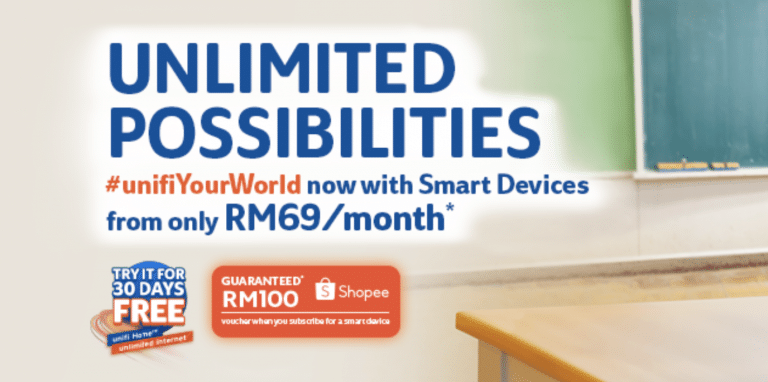
During this pandemic period, most of us are working from home. This includes students who are as well studying from home too. Some of them do not have a proper laptop for them to continue their classes as well is no proper internet connectivity too. In order to resolve the issue, Unifi announces its smart devices bundle package where users need to pay for the smart devices as low as RM69 per month.
Unifi is giving its users to select between two types of smart devices. The Unifi users are given the option to select the 55-inch LG UN73 Series 4K Smart TV or the Acer TravelMate P214 laptop. Unless if you are subscribing to the Unifi Mobile plan then you can select either the Vivo Y12S or the Samsung Galaxy A02. The smartphones price starts from RM79 per month.

This new Unifi package is available for the 100Mbps package and above only. If you choose the 30Mbps package, then you will be able to select neither the 4K smart tv nor the laptop. Do note that if you are a new Unifi customer then you might need to pay an additional RM200 before the package gets activated. Once the home activation process is complete, Unifi will send you the smart devices to your doorstep for free within 30 working days.

To know more about the new Unifi smart device bundle package, click this link

One of the most awaited WhatsApp feature is coming soon

Reading Time: 2 minutes read
whatsapp

How many of you always had to send some important photos and videos through email instead of sending them easily by WhatsApp? To be honest, I always wanted to use WhatsApp to send media to my friends. However, due to the quality compression, most of us prefer to send it through email.

Do not worry, soon, you can send both photos and videos at the “Best quality”. Recently, WABetaInfo has reported that WhatsApp is currently developing a new feature where you can select both the image and video quality before sending it to your friends. The latest beta update of WhatsApp shows that this feature is only available for Android devices only.

Based on this latest WhatsApp beta release, there will be three options for you to choose from before uploading photos and videos. If you are really concern about your phone internet data, then you can select the “Data saver” option to compress the photos and videos before sending them to your friends. Obviously, “Best quality” is the option where you can send photos and videos of the same quality from your phone. If you enable the “Auto” option then the photos and videos quality will be automatically selected based on your internet speed.

At the moment, there is no realistic date whether when this feature will be rolled out globally. But, the CEO of Facebook, Mark Zuckerberg, has confirmed that the feature will be rolling out very soon. In that case, can we expect this feature to be rolled out for iOS devices too?

In conclusion, we believe this feature will be really useful for those of you who are really concern about media qualities. Once this feature is rolled out for iOS, then we will try it to see how it works.

Here’s the new Sunset White DJI Pocket 2

Reading Time: 3 minutes read

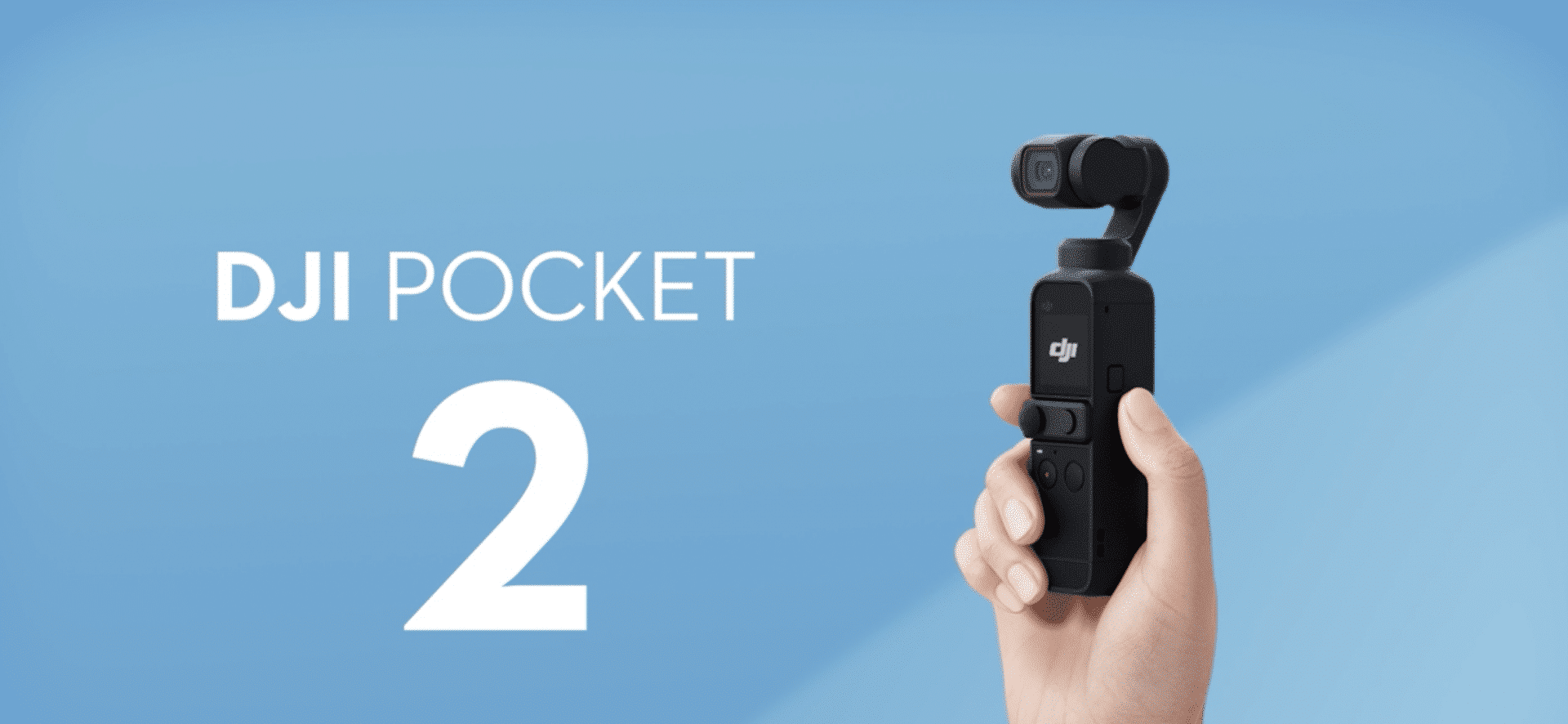
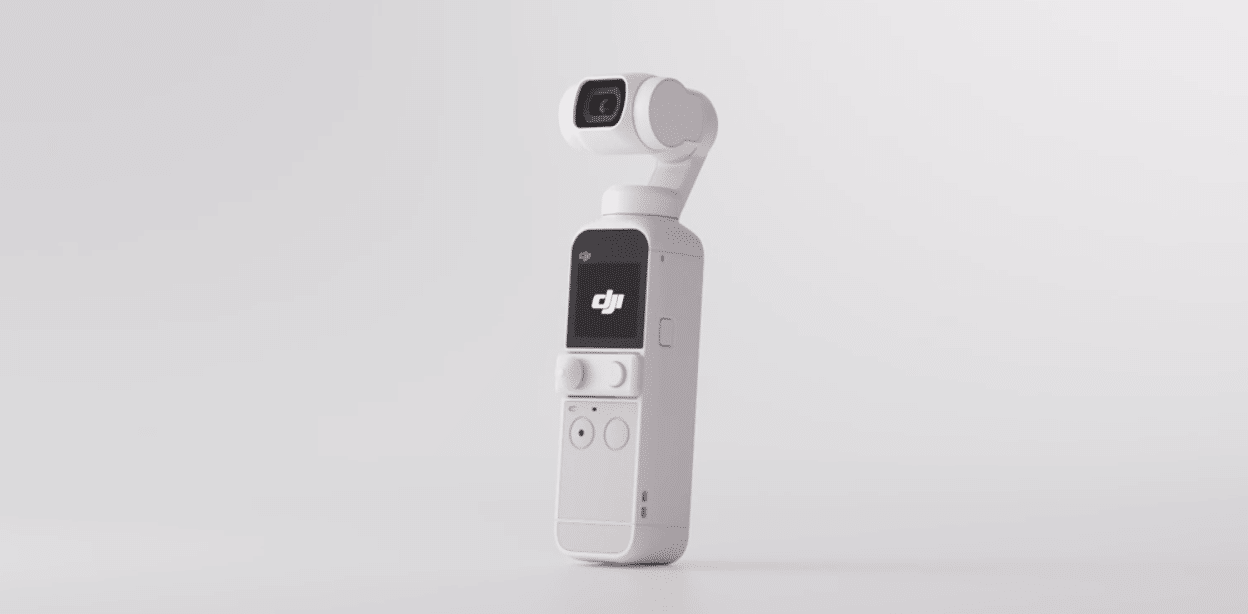
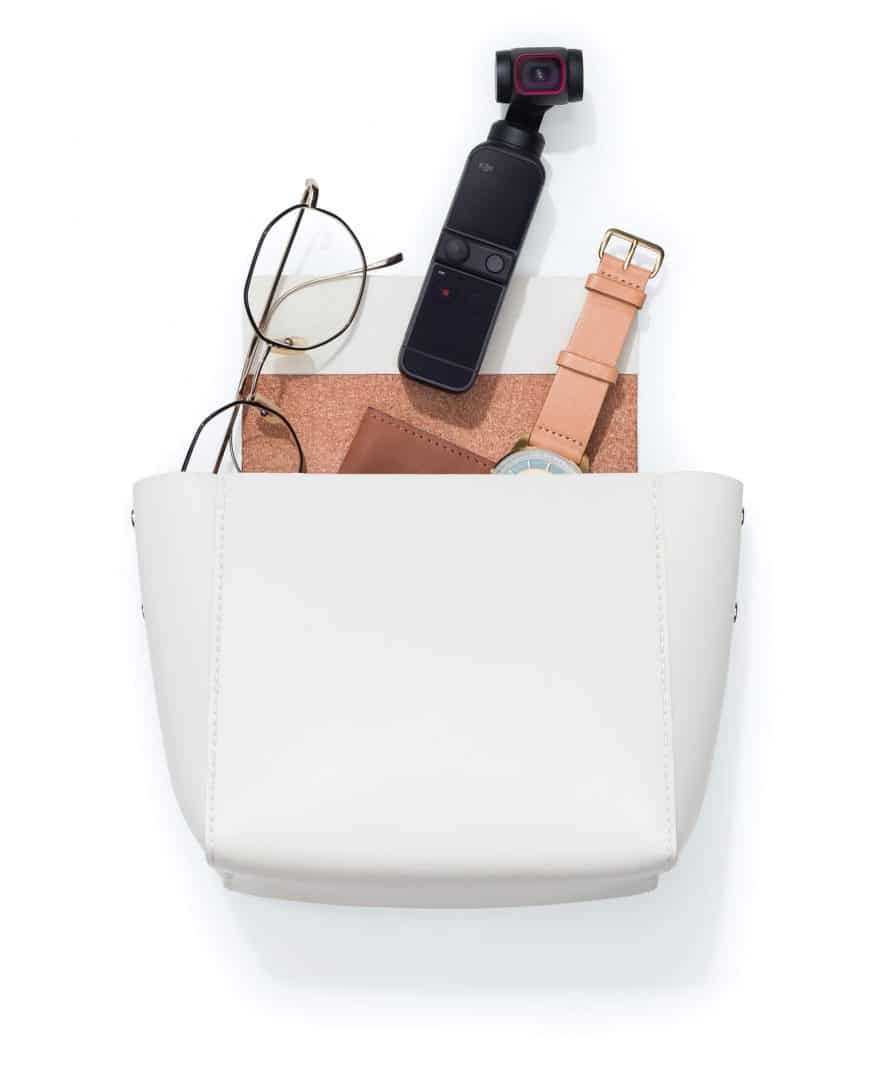
Back in November, DJI unveils the Pocket portable camera in Malaysia. Almost six months later, DJI is revealing a new Sunset White option to the DJI Pocket 2. Basically, this is a gimbal that is equipped with a 4K camera.

Before we talk about the technical specifications of the DJI Pocket 2, let me share with you why you should choose the DJI Pocket 2. First of all, the size is really small where you can easily carry it along with you. It can even fit in your pocket easily. Apart from that, it also has tons of cool features, especially for vlogging. If you are a vlogger then surely you might need to consider getting one. Since the DJI Pocket 2 comes with a portable camera, you don’t really have to rely on your smartphone to capture some great moments.

DJI Pocket 2 Technical Specifications

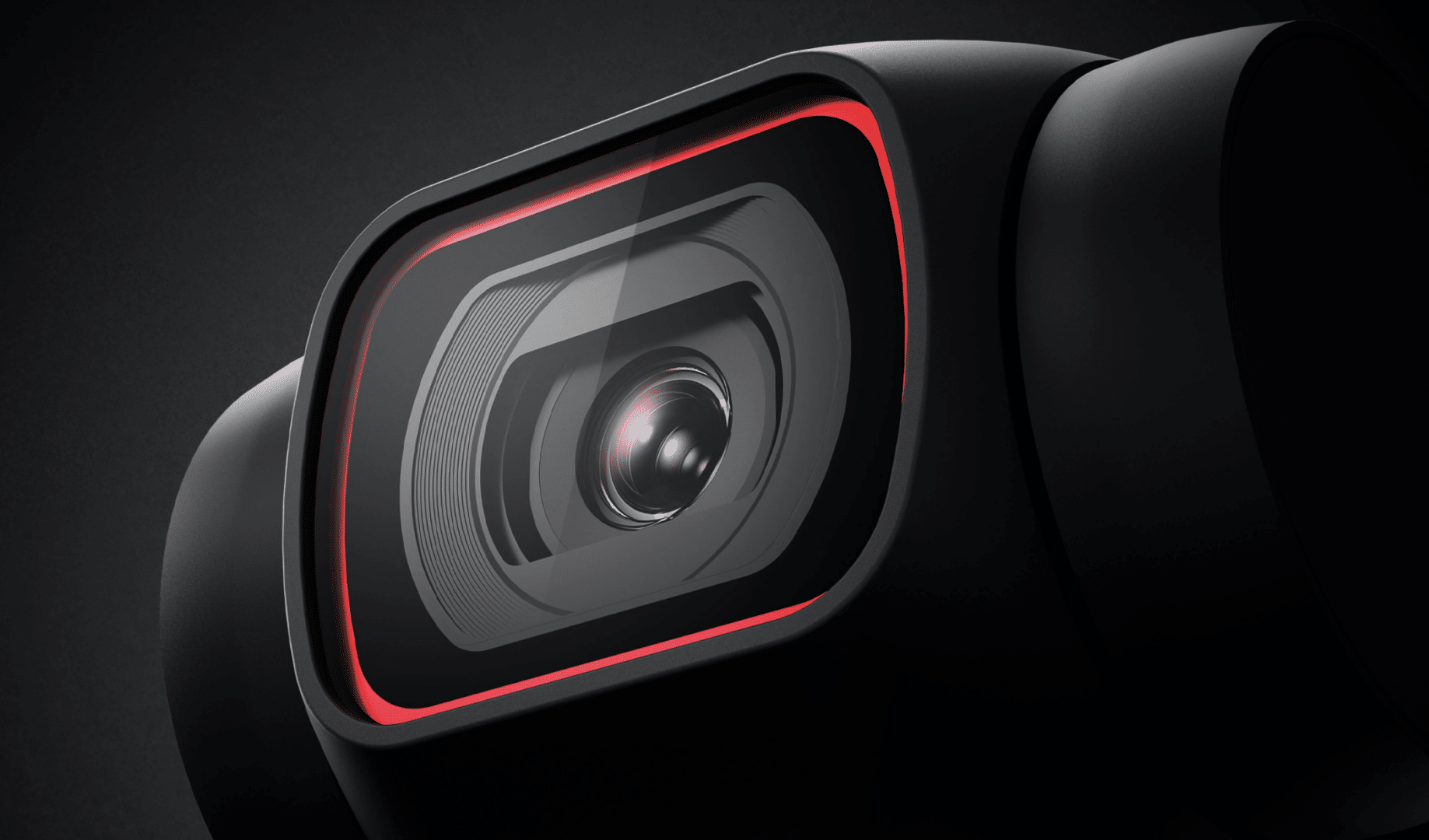
Getting into the technical specifications of the DJI Pocket 2, firstly there is a small screen where you can view all your recorded videos. And then there is the 1/1.7-inch camera sensor. Using this camera, you can capture 64MP still photos. The best part is, it also has a video recording capability at 4K resolution at 60fps.

Besides that, the DJI Pocket 2 also supports 1080p slow-motion recording at 240fps. This comes in handy when you are going to record some cool stunts using the Pocket 2. Other than the slow-motion feature, the DJI Pocket 2 also supports Timelapse, Motionlapse and Hyperlapse.

For the sound-wise, the DJI Pocket 2 also comes with the DJI Matrix Stereo system. It has four microphones to provide you with a surround sound experience. The Pocket 2 portable camera has the soundtrack feature, sound zoom and also directional audio feature. Using this feature, you can live to the moments of recording memorable videos through sound.

The DJI Pocket 2 also supports storage via microSD cards up to 256GB. This means you can record tons of 4K 60fps videos and save them into the microSD card. Powering this small camera is the 875mAh battery. According to DJI the Pocket 2 able to last for 140-minutes on a single charge. Yet, it still depends on the video resolution.

Pricing and Availability

The DJI Pocket 2 is now available to be purchased from both Lazada and Shopee in Malaysia. All you need to do is to click the above link and get yours now. The base model which is only the DJI Pocket 2 is RM1,549 only. Well, the bundled version will cost you around RM1,939. And if you wished to purchase the package with the microSD card, then it is priced at RM2,276.

For more info regarding the DJI Pocket 2, click here.

Soon you can send a video resume to companies using TikTok

Reading Time: 2 minutes read

It looks like the day of the written resume will be over soon. The Chinese tech giant, TikTok is testing its new job application tool which will allow users to record a video and send it as a resume to billion-dollar companies.

Do note that this is just a pilot program for now but you can expect TikTok to roll out officially to all its users worldwide in the future. But for now, this feature is being called TikTok Resumes. For this pilot programme, there are more than 30 companies have signed up such as Chipotle, Target and Shopify.

Especially, during this COVID-19 pandemic, it is really suitable to record a video of your resume and then send it to your future employer. All you need to do is show your best talent in the video and then share it through TikTok’s pilot program. It is highly recommended not to share your personal contact information in the video.

Besides multi-billion-dollar companies, there is a company called Alo Yoga which has signed up for this pilot program. It is looking to hire a social media manager who will be responsible for developing the strategy to promote their business through TikTok and also partnering with influencers. This is one of the most suitable jobs for those of you who really know about the TikTok algorithm.

In conclusion, this program begins from July 7 until July 31. As for now, this pilot program is only available to those who lives in the United States. If you are interested in joining these multi-billion dollar companies then head over now to TikTok and find for the company and send in your video resume.